


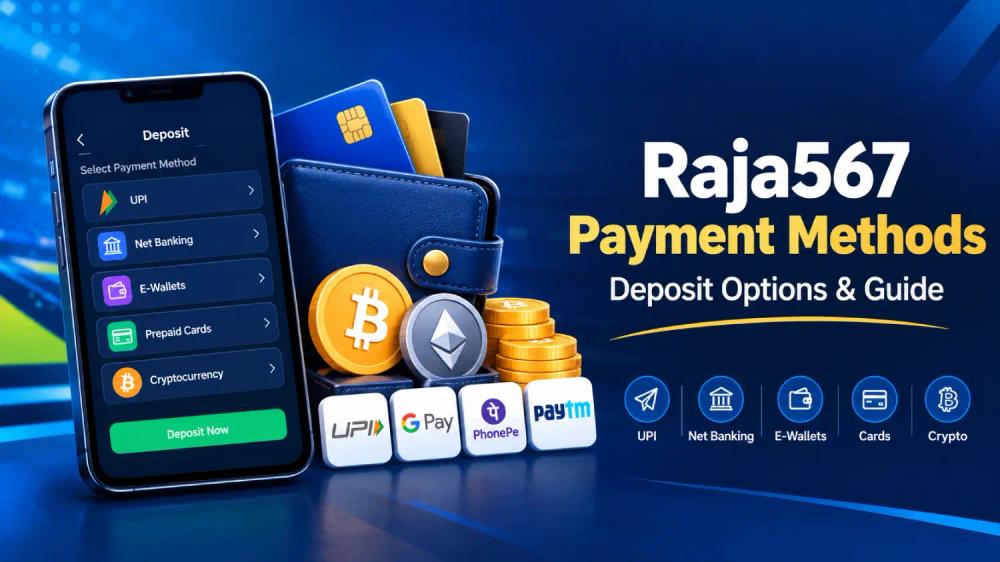
Raja567 Payment Methods: Understanding Deposit Options and Account Payments
So you have a Raja567 account. KYC done. Now you want to put money in and start playing.
Question is. Which payment method?
UPI? Net banking? E-wallets? Crypto?
They all work. But they are not all the same. Some are instant. Some take a few minutes. Some have limits. Some do not.
This guide breaks it all down. The options. The steps. The transaction times. And the stuff that saves you from a failed deposit.
What Are the Payment Methods on Raja567?
Let us start with the list.
UPI — This is the big one. Most people use UPI. It is linked to your bank. Scan a QR code. Or enter your UPI ID. Done.
Net Banking — Direct bank transfer. Works with all major Indian banks. Slower than UPI but reliable. If UPI is not working, this is your backup.
E-Wallets — Paytm. PhonePe. Google Pay. Same idea as UPI. Linked to your bank. Fast.
Prepaid Cards — Some people use these. Helps with budgeting. You load the card. You spend what is on it. No overspending.
Cryptocurrencies — Bitcoin. Ethereum. USDT. If you are into crypto, this works. More private than traditional methods. But the blockchain fees can add up.
How to Deposit Money on Raja567
Here is the process.
Log in. Go to the wallet section. Or the deposit section. Same thing.
Pick your payment method. Enter the amount. Confirm.
For UPI, it is instant. You scan. You pay. Money moves.
For net banking, you select your bank. Log in. Confirm the transfer. Money hits your Raja567 account within minutes.
One thing. Make sure you are on the official app or website. Not some random link from a WhatsApp group. That is how people get scammed. Seriously. Just use the official source.
Minimum Deposit Amount
Minimum is ₹500.
That is it. ₹500. Small enough to start. Big enough to place a decent bet.
Maximum? Depends on the method. UPI usually caps at ₹50,000 per transaction for standard accounts. Net banking and crypto can go higher.
If you are new, start with ₹500. See how it goes. Get comfortable. Then add more if you want.
Transaction Times
How fast does the money show up?
UPI? Instant. Seconds.
E-wallets? Same. Instant.
Net banking? A few minutes. Sometimes up to 30. Depends on your bank's server.
Crypto? 10 to 30 minutes. Depends on the blockchain. If the network is busy, it takes longer.
If your deposit is taking longer than expected, do not panic. Check your transaction history first. If it is not there, contact support. Give them the transaction ID. They can trace it.
Deposit Fees
Most deposits are free.
UPI. Free. Net banking. Free. E-wallets. Free.
Crypto? There are network fees. But those are charged by the blockchain, not by Raja567. Raja567 does not take a cut.
Check the app for the latest info. Fees change sometimes.
How to Add a Payment Method
Before you deposit, add a payment method.
Go to account settings. Find the payment section. Add your UPI ID. Or bank details. Or e-wallet info.
Double-check your details. If your UPI ID is wrong, the money goes nowhere. If your bank account changed, update it. Small mistakes cause big delays.
You can also set a default method. Makes future deposits faster. One tap. Done.
Common Deposit Issues and Fixes
Deposit not credited? Wait 30 minutes. Still nothing? Check your transaction history. If the deposit is missing, contact support. Have your transaction ID ready.
UPI failed? Check your UPI ID. Make sure it is correct. Check your bank balance. You might not have enough funds. Try again.
Net banking failed? Sometimes banks go down. Check your bank's status. Wait a few minutes. Try again. Or use a different method.
Crypto deposit stuck? Check the blockchain. Your transaction might be pending confirmations. Wait. It will go through.
Payment Security
Raja567 uses encryption for all transactions. Your payment details are protected. Your bank info is secure.
But you should also do your part.
Do not share your OTP. Do not share your UPI PIN. Do not share your bank details with anyone.
Use secure networks. Avoid public WiFi for transactions. Use your mobile data or home WiFi. Public WiFi is not safe for money stuff.
Payment Methods vs Withdrawal Methods
Deposits and withdrawals use mostly the same methods. UPI. Net banking. E-wallets. Crypto.
But here is the key difference. You cannot withdraw without KYC. Deposit does not need KYC. Withdrawal does.
For more on that, check out the Raja567 withdrawal guide. It walks you through the process.
Tips for Smooth Deposits
Test with a small amount first. Send ₹500. See if it goes through. Then deposit more.
Use UPI for speed. It is the fastest. Instant credit.
Keep your details updated. UPI ID changes? Update it. Bank account changes? Update it.
Save your transaction IDs. If something goes wrong, you have proof.
Deposit during off-peak hours. Banks get slow during peak times. If you want speed, deposit when traffic is low.
Read More Blog : 1. Raja567 Bonus Guide
Wrapping It Up: What You Need to Remember
Raja567 gives you options. UPI. Net banking. E-wallets. Prepaid cards. Crypto. Each has its own speed and limits.
Minimum deposit is ₹500. UPI is the fastest. Most methods are free.
If you have issues, check your transaction history. Contact support if needed. Keep your payment details updated.
That is it. You are ready to deposit on Raja567.